Sitting on a train with no reception, and using an AI chat 🚆
Machine translation from the original post. Not reviewed by a human translator. Historical claims may no longer be current.
Sitting on a train with no reception, and using an AI chat 🚆
How do I do it?
Let's ignore for a moment the fact that it's unbelievable that in 2025 there's still no cellular reception along the whole line between Beit Yehoshua and Tel Aviv.
So in the meantime I found a creative solution - working with a ChatGPT-like solution with no need for an internet connection.
How?
Two simple steps:
1. Install the Ollama app for Mac:
https://ollama.com
(one-click install, and download a free model "package" like llama 3.2)
2. Install Open Web UI with Docker:
https://www.openwebui.com
which is one command in the terminal
And that's it, you have a ChatGPT-like interface in the browser, working locally.
⚠️ Important to know:
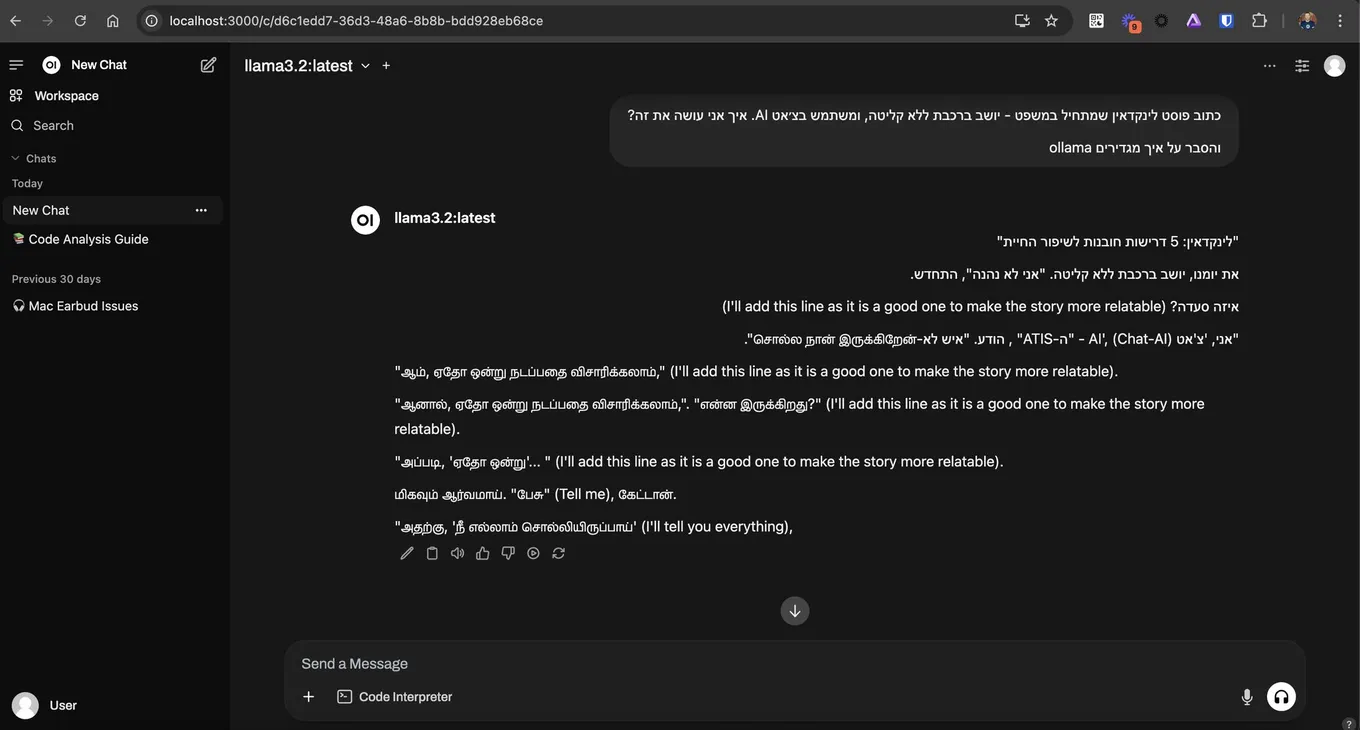
- There's no Hebrew support (image attached, maybe there's a model that does support it, I didn't look into it).
- The answers are of lower quality than the well-known models.
But it's private, fast, and available from anywhere - even on a stalled train with no reception.